Checking Your Qatar ID Status Online: Complete Guide
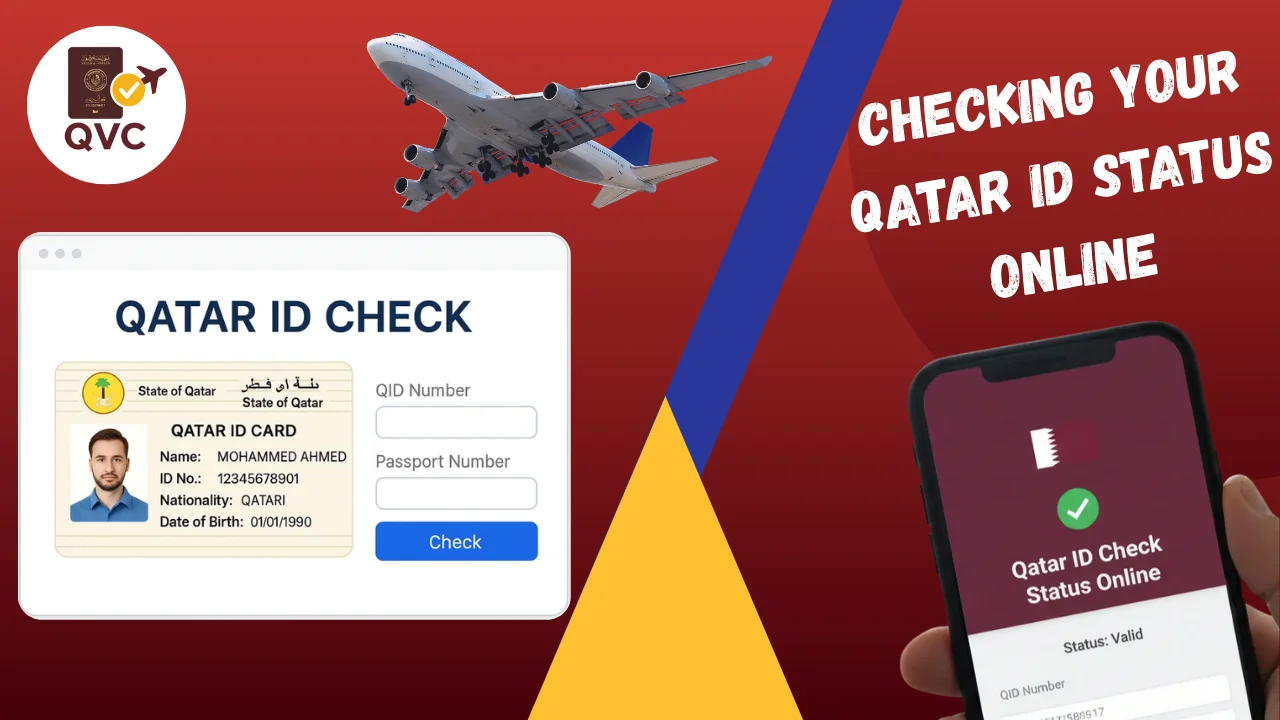
The Qatar ID is the standard identification of citizens and residents in the country and proves their identity and legal status. Checking your Qatar ID Status Online regularly keeps information current and prevents legal or administrative turbulence. Verifying your ID is an important step whether for employment, banking or government purposes. Fortunately it’s quite easy and can be done on official sites.
Read More: Qatar Smart Card
Who Needs to Check Qatar ID
Everyone living or working in Qatar should check their Qatar ID. This includes:
- Residents and Expats: To ensure their residency status and personal information are accurate.
- Employees: To confirm their ID is valid for work permits and employment verification.
- Business Owners: To verify ID details for official transactions and licensing purposes.
- Individuals applying for Services: Such as banking, healthcare, or government-related services.
- Students: To confirm their ID validity for educational institutions and scholarships.
Regular checks help to evade fines, service delays or legal disputes.
Methods to Check Qatar ID
1. Ministry of Interior (MOI) Website
Qatar ID is checked on the MOI website. Residents can search and purchase information using their Qatar ID number or passport number via the internet. This way gives you instant information on your ID status, expiry date and address. It’s safe, official, and available 24/7, making it the most reliable form of ID verification.
2. Qatar Mobile App (Metrash2)
Metrash2 is a mobile application available from the Ministry of Interior for residents. With the app, you can: Check your Qatar ID. Check residency permits, and they need to be checked. Send emails to get updates or renewals.
This is a very convenient method for those who like to use smartphones and want updates on their ID in real-time.
3. Customer Service Centers
Residents who prefer direct services can visit MOI customer service centers located throughout Qatar. Here, staff can check your ID, correct mistakes, and, if needed, tell you how to renew. This option is useful to residents who have technical issues with online services.
4. Call Center Assistance
The MOI also has helpline numbers residents can call to check their Qatar ID status. Customer service representatives walk you through the process and provide information about your valid ID and other services.
Step-by-Step Guide for Online Qatar ID Check
Step 1: Visit the MOI Website
Go to the website of the Ministry of Interior of Qatar. Always visit the official site to avoid phishing and false portals.
Step 2: Navigate to the Qatar ID Services
On the homepage, click on “Qatar ID Services” or “Residency Services”. To view the ID verification page, click on the link.
Step 3: Enter Your Details
- You will need to supply some essential information such as:
- Qatar ID Number (usually found on your passport).
- Passport Number (optional depending on the portal)
- Captcha Verification to be sure you aren’t a robot.
Step 4: Submit the Information
Click on “Submit” or “Check Status” after entering the required information.
Step 5: View Your ID Status
The system will display your Qatar ID details such as:
- Full Name
- ID Number
- Expiry Date
- Status of Residency
- Any news or alerts that are still pending
Step 6: Download or Print (Optional)
The confirmation page is available for download or printing. This can be used for official transactions or renewals.
Checking Your Qatar ID Status Online
A quick visual guide to verify your Qatar ID using official and secure methods
Who Should Check Qatar ID?
- Residents & expats
- Employees & job seekers
- Students & families
- Business owners
MOI Website
- 24/7 official verification
- Check expiry & residency
- Search by QID or passport
Metrash2 App
- Real-time ID status
- Residency & permit checks
- Renewal alerts
MOI Service Centers
- In-person assistance
- Fix errors & renew ID
- Ideal for technical issues
MOI Call Center
- Phone-based verification
- Guidance & support
- Good for non-tech users
Online Check Steps
- Visit MOI official website
- Open Qatar ID services
- Enter QID / passport
- View & save status
Common Problems
- Incorrect ID entry
- Expired QID
- Website not loading
- Info mismatch
Helpful Tips
- Use official channels only
- Check status regularly
- Update details early
- Save confirmation copy
Common Issues and How to Resolve Them
1. Incorrect ID Number Entered
If there is an error or if no record is found it will usually be that the Qatar ID number was entered incorrectly. Check your ID number for typos missing numbers or any extra spaces. The number should be entered on the Qatar ID card exactly, so that it will be verified.
2. Expired Qatar ID
The system will screen a QA that has expired and thus will appear as invalid or obsolete. To fix this you need to renew your ID at the MOI service centers or through the Metrash2 mobile app. Renewing on time helps avoid fines and gives users uninterrupted access to government and banking services.
3. Website or Portal Not Loading
The MOI website may also be slow or down due to technical issues or high traffic. If so check your browser cache and cookies use a different browser or device or visit the site during off-peak hours. The possibility that some problems persist is to contact the MOI support.
4. Mismatch in Personal Information
If the information you see online does not match your own it means the information is in error or outdated. To fix this visit a MOI service center or contact customer service. Bring your Qatari passport and ID to have this information kept up to date.
5. Unable to Verify Through Metrash2 App
Errors in the Metrash2 app such as a failed verification or app crash are usually due to outdated versions of the app or a lack of internet connection. Check your connection to the internet and if nothing works contact the MOI helpdesk for assistance.
Tips for Easy Qatar ID Verification
1. Always Use Official Channels
Check your Qatar ID only by going to the MOI website or on the Metrash2 app to be sure it is accurate and safe. Avoid official sites or websites ad-free.
2. Keep Your ID and Passport Handy
Having your passport and Qatar ID number handy before you begin the verification process. This speeds up the process and helps to prevent mistakes.
3. Check Your ID Status Frequently
Check your Qatar ID after you renew your passport, apply for jobs, or use government services.
4. Update Personal Information Early
If you find a discrepancy in your personal information, notify MOI service centers or the Metrash2 app immediately. Information accurate helps avoid confusion in the future.
5. Check the Internet and App Are Working Well
For online verification or when using Metrash2, check if you are connected to an Internet connection and the latest version of your app to avoid technical problems.
6. Print or Save Confirmation
Once you have verified your ID online, print or download the confirmation for later use. This could be useful in official processes or the verification of proof.
7. Request Help
If you have issues that you can’t resolve online, visit an MOI service center or the MOI helpline for assistance.
Conclusion
Regularly checking your Qatar ID is a must for all residents and expats to keep their personal information and residency records up-to-date. Official channels, including the MOI website or Metrash2 app, are both easily and securely used to verify. Being proactive also helps to avoid legal complications, service interruptions, and employment, banking, or government processes. Residents can easily maintain current and valid Qatar ID numbers by following the steps and tips in this guide.
FAQs
Who needs to verify their Qatar ID?
All residents, expats, workers, students, and those applying to government or banking services should regularly check their Qatar ID for accuracy and validity.
Where can I check my Qatar ID?
You can check your Qatar ID by visiting the Ministry of Interior website or by downloading the Metrash2 mobile app.
What to do if my Qatar ID has expired?
You’ll need to renew your ID through the MOI service center or via the Metrash2 app in order to avoid fines and unobstructed access to services.